
Imagine your finance team has used QuickBooks Desktop for years. Your company files are in place, your accountant knows the system inside out, and month-end reporting runs on a familiar routine.
Then you discover that your version needs an upgrade, your licence is expiring, or the supplier who sold you the software can no longer explain what your payment covers.
Suddenly, finding the cheapest QuickBooks licence is no longer the priority. You need to know whether you can continue using your accounting system, what an upgrade will cost, and whether moving to another version makes financial sense.
This is a situation worth considering for Kenyan businesses evaluating QuickBooks Desktop in 2026.
The problem with comparing QuickBooks prices online
Search for QuickBooks Desktop pricing in Kenya and you may encounter different prices for products that appear to be the same. One seller may advertise an older version at a seemingly attractive one-off price, while another offers a subscription or a package that includes installation and support.
These offers are not necessarily comparable.
The difference could come down to the software edition, licence terms, number of users, support arrangements or whether the product is even available as a legitimate new licence.
Before comparing prices, ask a more useful question: What exactly am I getting for my money?
A software key, a valid licence, an ongoing subscription and a fully implemented accounting system are four different things. A quotation should make it clear which of these you are purchasing.
QuickBooks Desktop in 2026: The version you choose matters
QuickBooks Desktop has historically offered businesses different editions for different accounting and operational needs. However, availability and licensing have changed over time, and certain Desktop products are no longer sold to new customers in the United States.
For Kenyan businesses, this makes it especially important to verify the exact edition being offered rather than assuming every version advertised online is currently available through official channels.
Consider three questions before purchasing:
- Is the product a new licence, an existing licence or an older version being resold?
- Does the licence permit your intended use and number of users?
- Will you receive the updates, support and connected services your business depends on?
These questions matter because the lowest upfront price may not deliver the best long-term value.
The real cost of QuickBooks is bigger than the purchase price
Suppose two businesses are evaluating accounting software. Business A focuses entirely on the initial licence cost. Business B considers the total cost of running the system over the next two or three years.
Business B is more likely to account for the expenses that emerge after installation.
These may include:
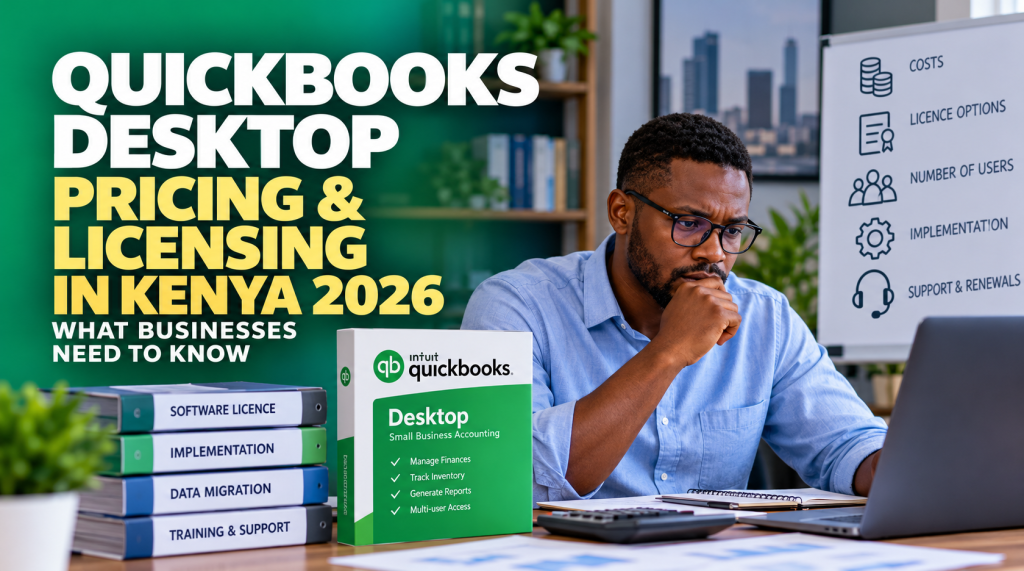
Licensing and renewals: The cost of obtaining or maintaining the rights to use the software.
Implementation: Configuring the system, setting up users and ensuring the accounting workflow meets the business’s requirements.
Data migration: Transferring customer records, supplier details, account balances and transaction history when changing systems.
Training and support: Helping employees use the system correctly and resolving issues that could interrupt financial operations.
Business disruption: The time and effort required when an unsupported system, expired subscription or failed migration affects everyday work.
Not every business will incur all these costs. The point is to evaluate the complete arrangement rather than making a decision based on one advertised figure.
Should you keep QuickBooks Desktop or move to QuickBooks Online?
This is where the pricing discussion becomes a business decision.
If your company has used QuickBooks Desktop for years, switching systems may involve more than installing new software. You need to consider historical records, reporting requirements, integrations and the familiarity of your finance team with the current system.
QuickBooks Online may be worth evaluating if you want cloud-based access and easier collaboration across locations. However, you should first confirm that the features you rely on are available in your chosen Online plan.
Staying with Desktop may also be appropriate where your existing edition remains suitable and your licensing arrangements are valid.
The best decision depends on the business, not simply on which product is newer.
Four questions to ask before paying for QuickBooks in Kenya
Before committing to a purchase or renewal, ask your supplier:
- Which exact product and licence am I buying? Get the edition, version and licence arrangement in writing.
- What happens after the payment? Confirm activation, installation, user access, support and renewal obligations.
- Can I continue using the system as my business grows? Establish whether your current setup supports your expected users and operational requirements.
- What is my alternative if this version is no longer suitable? Understand your upgrade, migration and data-access options before you need them urgently.
Clear answers make it easier to compare suppliers and avoid making an accounting software decision under pressure.
Make your next QuickBooks decision with confidence
QuickBooks Desktop pricing in Kenya in 2026 is not simply a question of finding the lowest advertised amount. It is about understanding the licence, confirming product availability and choosing a solution that supports your business without creating unnecessary costs later.
At Remotix Solutions, we help businesses explore QuickBooks solutions and assess their accounting software requirements, including options for moving from Desktop to QuickBooks Online.
If you are reviewing an existing licence, considering an upgrade or unsure which QuickBooks option suits your business, speak to our team before committing to your next purchase.
The right accounting system should support your business, not leave you guessing about what you have paid for.